
Reminder, BeWell is no longer taking payments. Please contact your insurance carrier to make a payment →
Reminder, BeWell is no longer taking payments. Please contact your insurance carrier to make a payment →
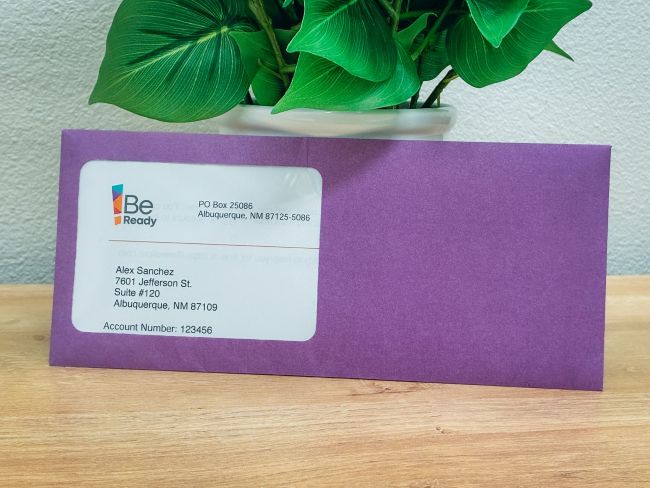
If you are a current BeWell customer, you should have received a purple envelope, or email with the title “A Better BeWell is Here, Access Your New Account”, that contains an access code to claim your BeWell account in the upgraded customer portal. You will need to set up a new username and password, but the rest of your information will be preloaded in the system.
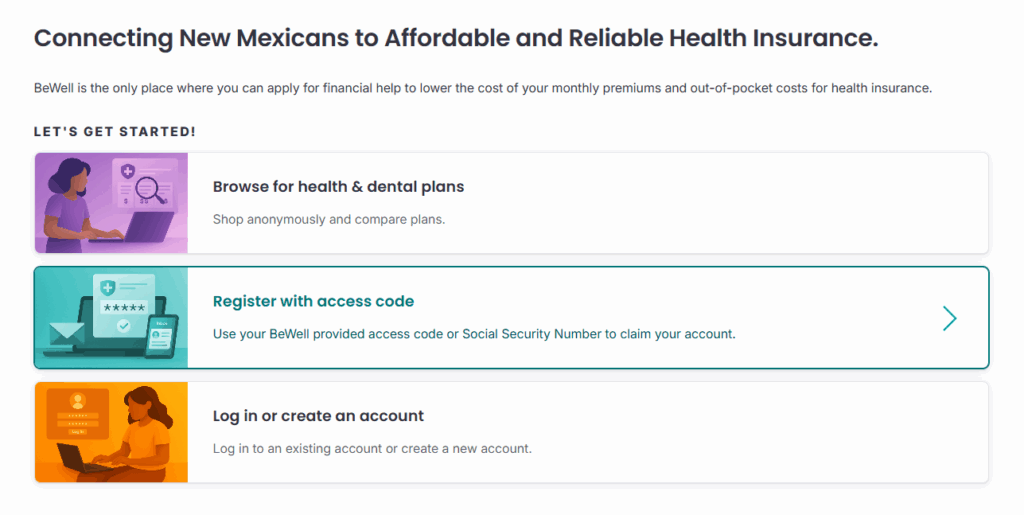
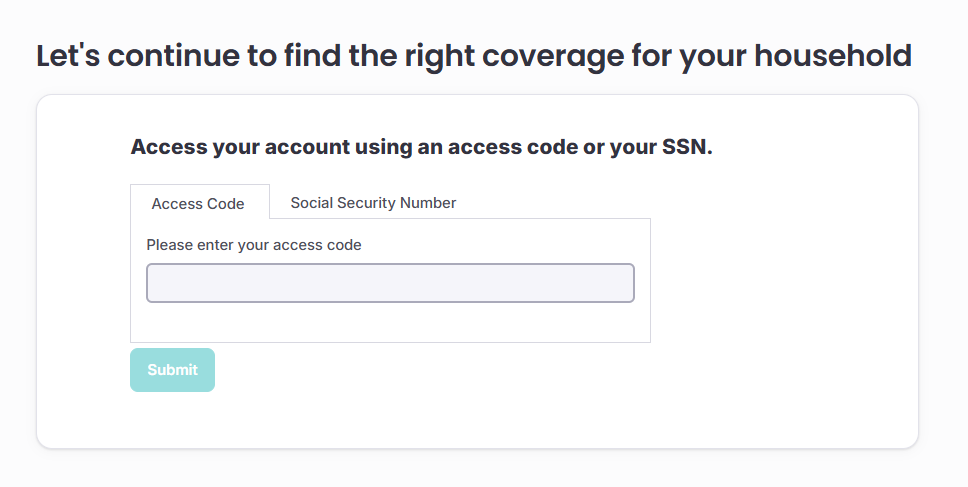
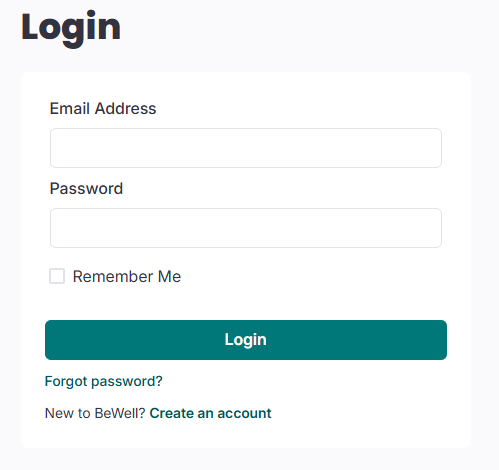
When you go to the BeWell login page, click “Register with access code”.
You will be prompted to enter your access code or Social Security number to claim your pre-loaded application. Your access code is an eight-digit code with only letters (no numbers).
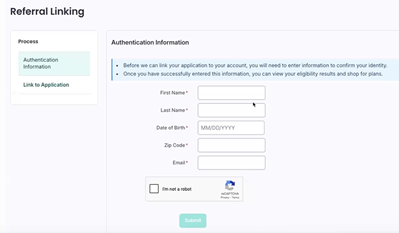
After submitting your Access Code or Social Security Number, you will be asked for some authentication information to verify your identity.
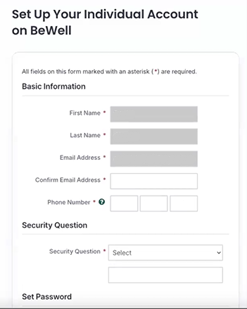
Next you will be asked to confirm your information, select a security question, and update your password.
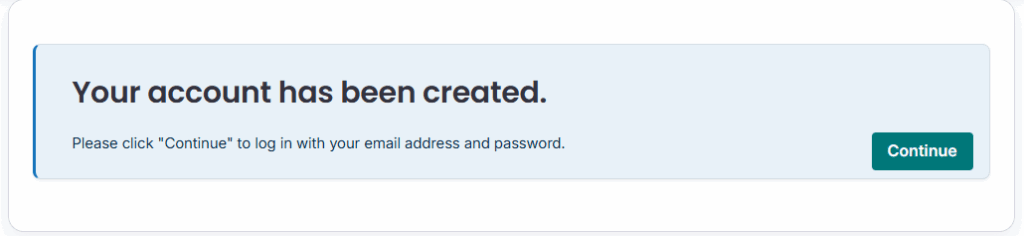
That’s it! Your account has successfully been claimed on the new system!
You can now return to the homepage and log in as normal.
Note: All access outs were sent out via USPS physical mail. If you selected email as your preferred method of contact, you will receive an email in addition to the letter in the mail. If you cannot find your access code, use your Social Security number or call BeWell at 833-862-3935.
Questions? Call 833-862-3935, chat with us, or schedule a free appointment with a certified assister.
Before you apply for coverage, you can see the health and/or dental insurance plans available. Determine whether you need coverage for 2025 or 2026.
Let us do the work for you! Certified assisters can help you understand your options and enroll in a health insurance plan. They will not push you towards a specific plan or carrier.
We recommend you get free help from our certified assisters, but if you want to do it on your own we have step-by-step instructions and videos to guide you through the application and enrollment portal.
When you’re ready to enroll, you can apply online in about an hour. You can also save your application and come back to it, so you can go at your own pace. Create your BeWell log in to get started.